
GLab Alternative: GitAlchemy vs GLab for GitLab
GLab Alternative: GitAlchemy vs GLab for GitLab
Verdict: GLab and GitAlchemy do not compete for the same phone. GLab, the app, runs on iPhone and iPad, and GitAlchemy runs on Android only and will never ship on iOS. If you search for a GLab alternative on Android, GitAlchemy is one. If you meant the glab command line tool, it is a different kind of product and the two work well together.
The name causes confusion, so this page covers both meanings. Facts about GLab come from its App Store listing and GitLab's documentation as read in October 2026. We did not install or test either tool for this page.
Which GLab do you mean?
There are two unrelated things with almost the same name.
- GLab: GitLab Code Review is an iOS app by Emil Karimov for iPhone and iPad and Apple Watch.
glabis GitLab's own open source command line interface. It is documented in the official GitLab docs and covers issues, merge requests and CI/CD pipelines from the terminal.
GLab the iOS app
According to its listing, GLab is a native SwiftUI client that needs iOS 18 or later. Browsing projects is free, and an optional Pro subscription adds multiple accounts, creating issues and merge requests, approving and merging, and managing pipelines. The French storefront lists Pro at 7,99 € for three months and 22,99 € for a year, and other storefronts describe the Pro feature list differently. It works with gitlab.com and self-hosted GitLab 14.x and newer, signs in with a personal access token or OAuth 2.0 PKCE, and has widgets, Siri Shortcuts and an Apple Watch app. Its privacy section discloses anonymous analytics.
It is a young app, first released in May 2026 according to a third party tracker, so we cannot say much about its long term track record.
GitAlchemy
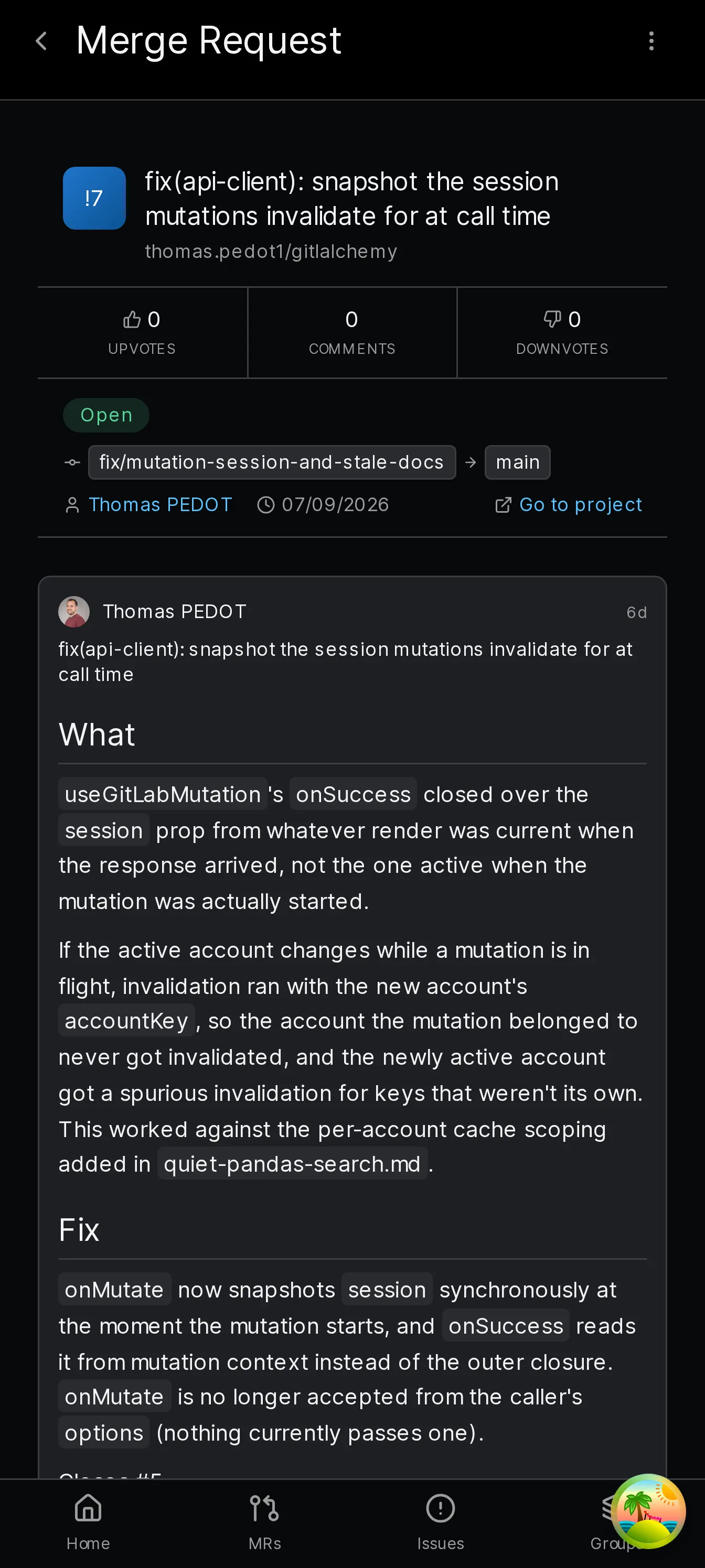
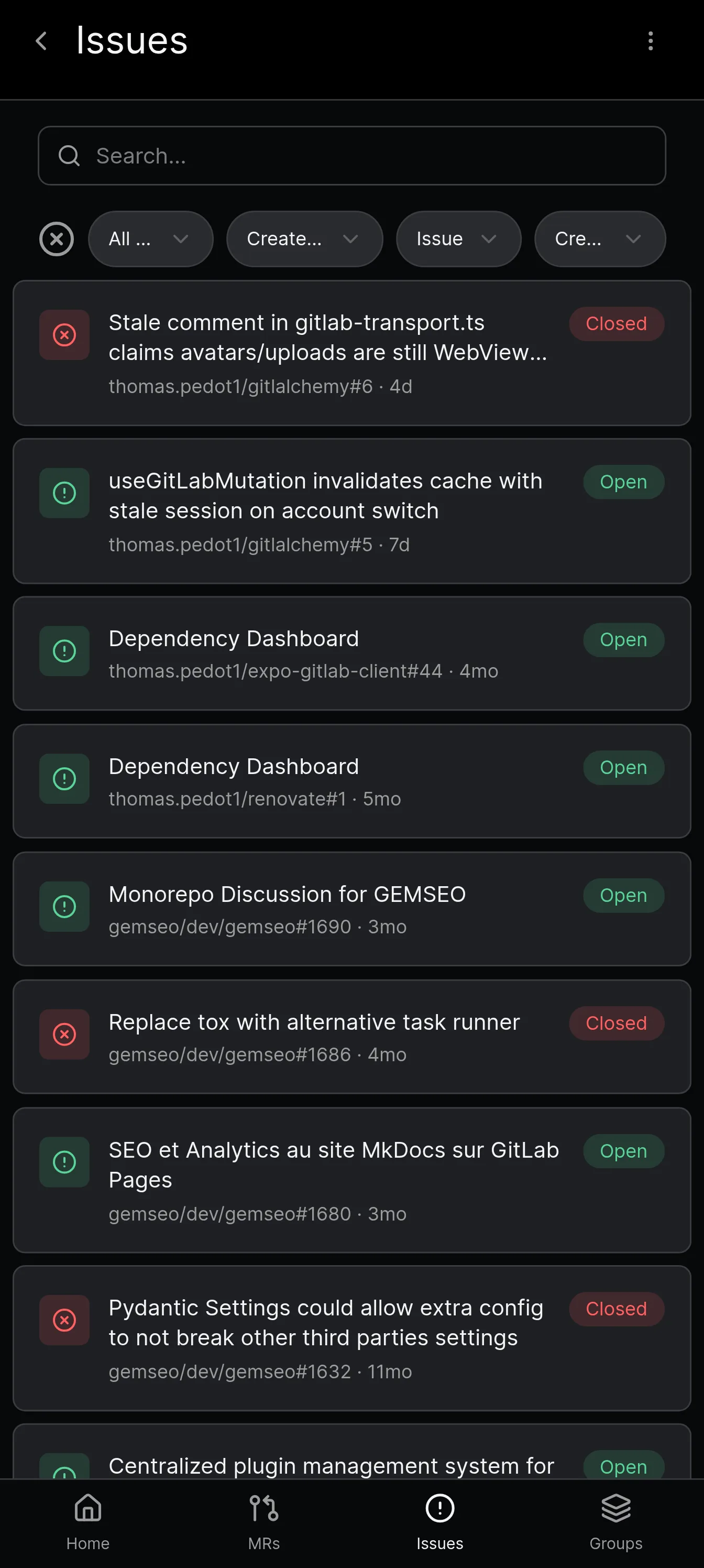
GitAlchemy is a free GitLab client for Android under the MIT licence. You can browse projects, issues, merge requests, commits, pipelines and releases, review merge requests inline or side by side, and edit assignees, labels, milestones and target branch. Comments are written in a full-screen editor with suggestions for people, issues and labels. It signs in with a personal access token, works with gitlab.com and self-hosted instances, and supports several accounts at once. Notifications poll the GitLab Todos API and work without Firebase. It also keeps recently viewed items readable offline. It is a small project with a smaller community than long established clients.
Head to head
| GLab (iOS app) | GitAlchemy | glab (CLI) | |
|---|---|---|---|
| Runs on | iPhone, iPad, Apple Watch | Android | Terminal |
| Price | Free to browse, paid Pro | Free | Free |
| Licence | Not checked | MIT | Open source, licence not stated in the docs page we read |
| Self-hosted GitLab | Yes | Yes | Yes |
| Sign-in | Token or OAuth 2.0 PKCE | Personal access token | OAuth or token |
| Best for | Reviewing on an iPhone | Reviewing and triage on Android | Scripting and terminal work |
| Where to get it | App Store | F-Droid | GitLab docs |
Which should you pick?
- You use an iPhone or iPad. Pick GLab or another iOS app. GitAlchemy has no iOS version and we explain why in our GitLab on iPhone guide.
- You use Android. GitAlchemy is the one to try, and you can compare it with other Android clients in our Android client comparison.
- You live in a terminal. Use
glabon your computer, and GitAlchemy on your phone for notifications and quick reviews.
None of these replace the others. A reasonable setup is glab at your desk and a mobile client away from it.
Install GitAlchemy
Get it from F-Droid, with no Google account needed, and follow the install guide. For a wider view of the field, read our roundup of the best GitLab clients.
Related Articles
More from Comparisons
Take GitLab with you
Gitalchemy is free and open source. Install it on Android from F-Droid.
Questions, or want to follow the work? Reach us at contact@gitalchemy.com or star the project on GitLab.