
What Is New in GitAlchemy: The Next Release
These changes are merged in the GitAlchemy app and arrive in the next release. They are not in the F-Droid version yet, and no version number is announced. GitAlchemy is a free open source GitLab client for Android. It is Android only and there will never be an iOS version. The older changes are in what is new in autumn 2026.
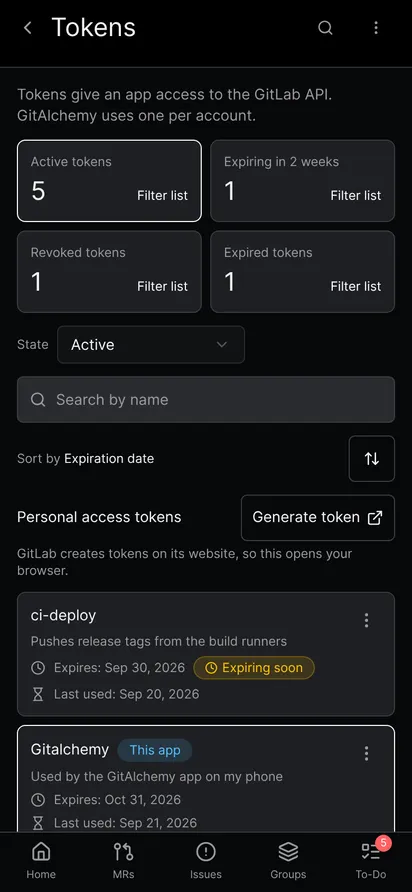
Manage your personal access tokens
Under Settings you can now see every token of your account with its expiry and last use, rotate or revoke a token and create a new one. A banner warns you when the token the app uses has 14 days or fewer left. Links to GitLab's token page open in the app when the host is a listed one. GitLab does not let an app create a classic token, so creation ends on GitLab's page. The full guide is manage GitLab access tokens on Android.
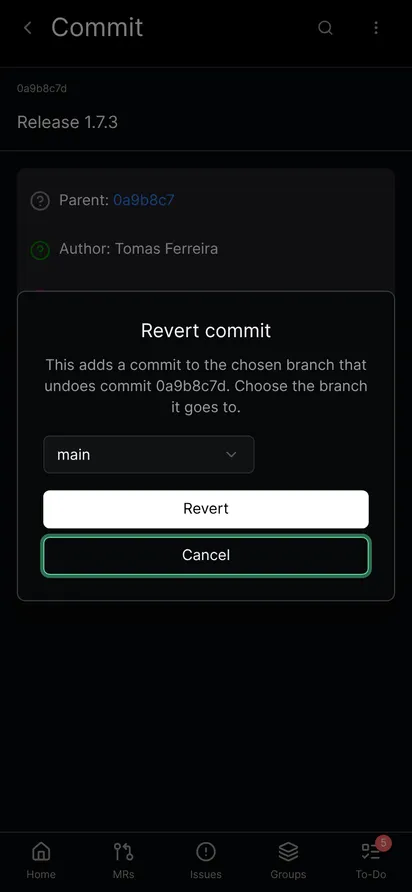
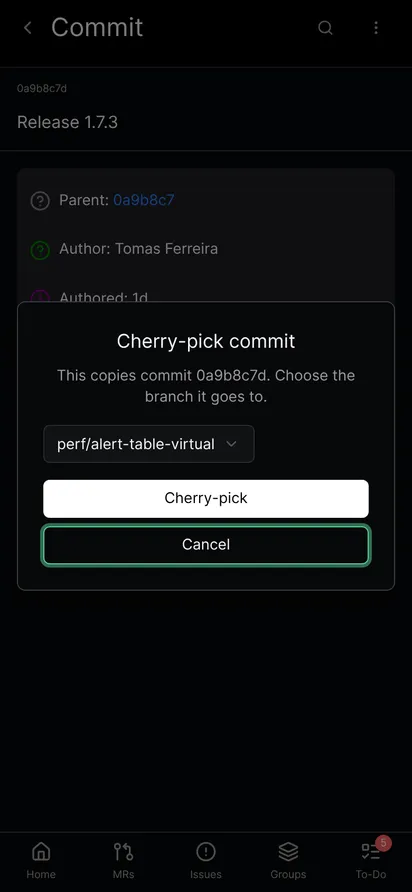
Revert, cherry-pick and download a patch
The commit screen can now revert a commit, cherry-pick it and download its patch. Revert and cherry-pick ask for the branch the new commit goes to, and a message reports the result. The patch is saved as a file on the phone.
Images in the code browser
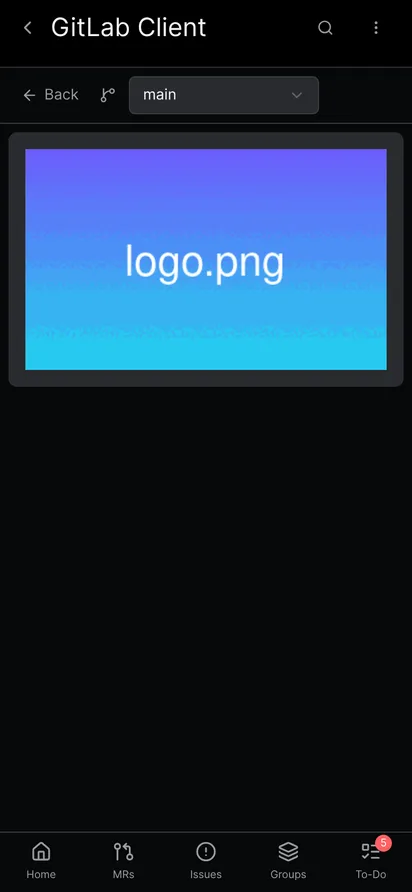
A PNG, JPEG, GIF, WebP, SVG, BMP, ICO or AVIF file now opens as a picture instead of raw content. A very large file is refused with a message, and a file that fails to download shows an error.
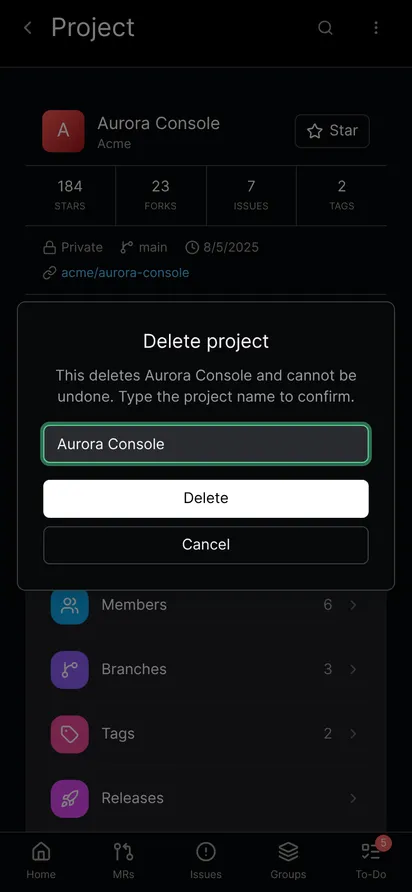
Delete a project in the app
Deleting a project no longer sends you to the GitLab website. The dialog asks you to type the project name, and the Delete button stays disabled until it matches exactly.
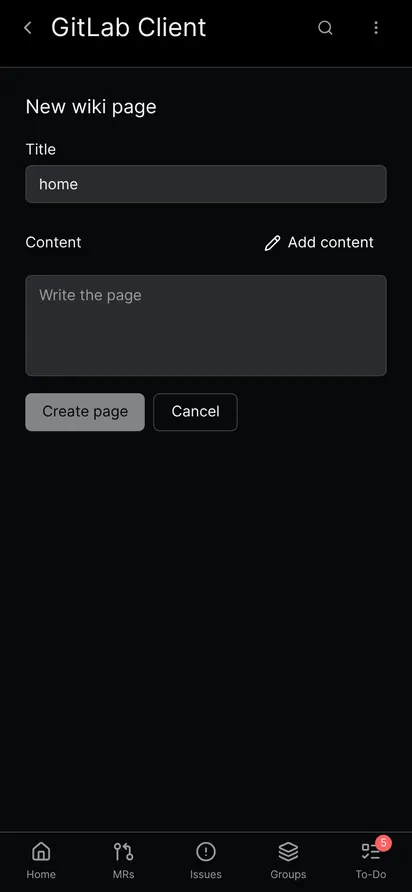
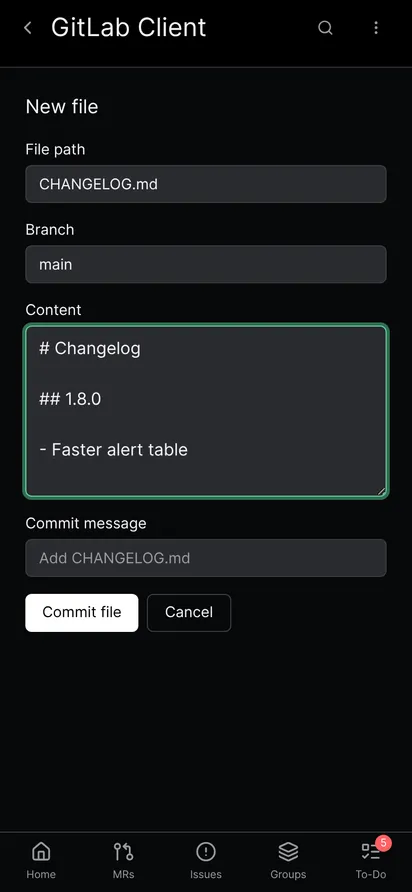
Create a wiki page or a CHANGELOG
You can write a new wiki page and add a CHANGELOG file inside the app. The wiki screen starts with the title home and opens the full-screen editor with Add content. The CHANGELOG shortcut opens the new file screen with the path and the branch already filled in.
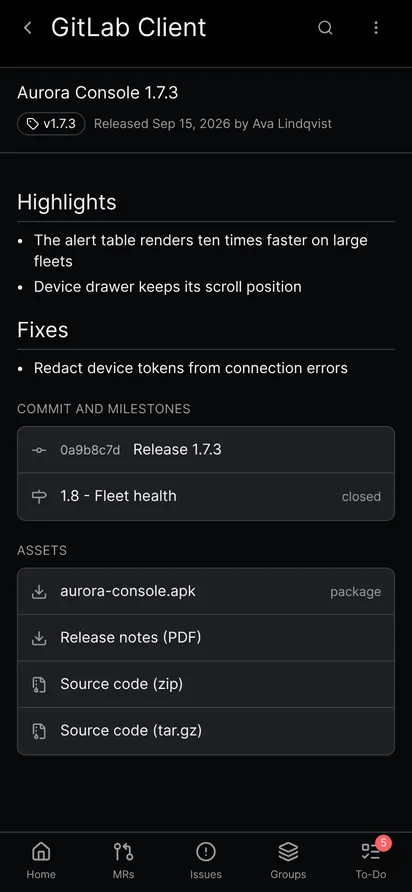
Download release files
A release now lets you download its source archives and its assets in the app. The file is saved in the app's storage and a message names it.
More links open inside the app
Commit and pipeline to-dos now open in the app instead of the browser. A group milestone opens the group's issues for that milestone in the app.
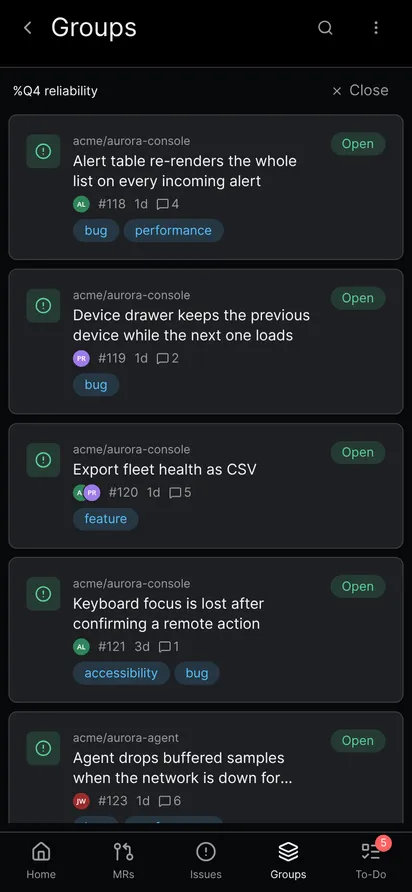
The To-Do tab dot and single to-dos
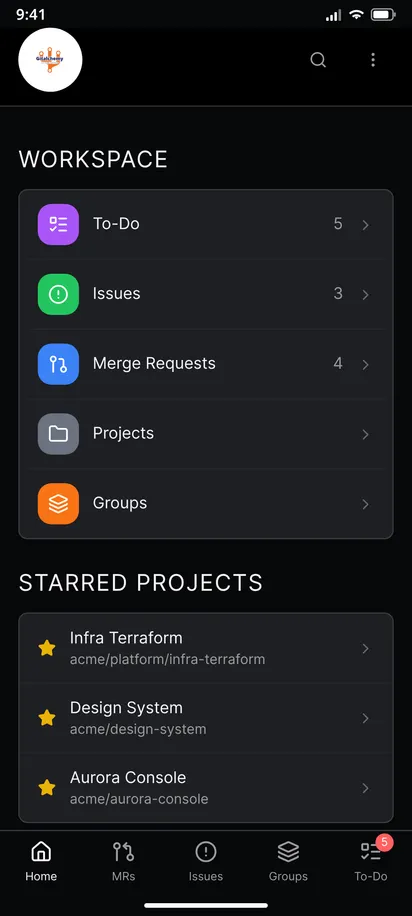
The red dot on the To-Do tab clears once you have seen the list. A new to-do that arrives later brings it back. Marking a single to-do as done works again, and only that row leaves the list.
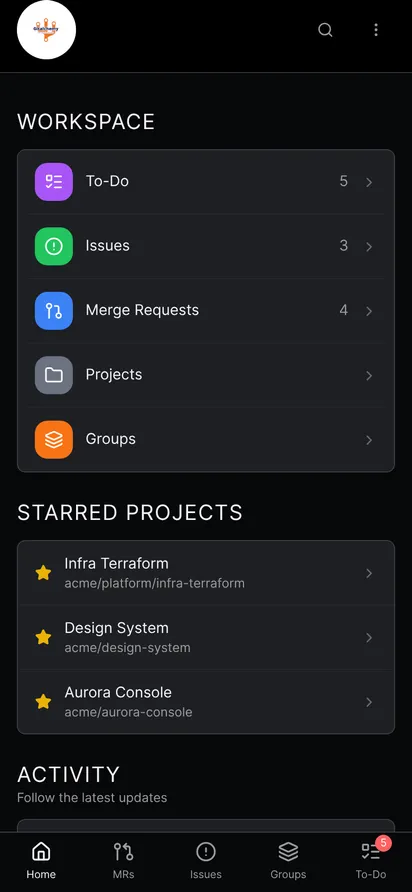
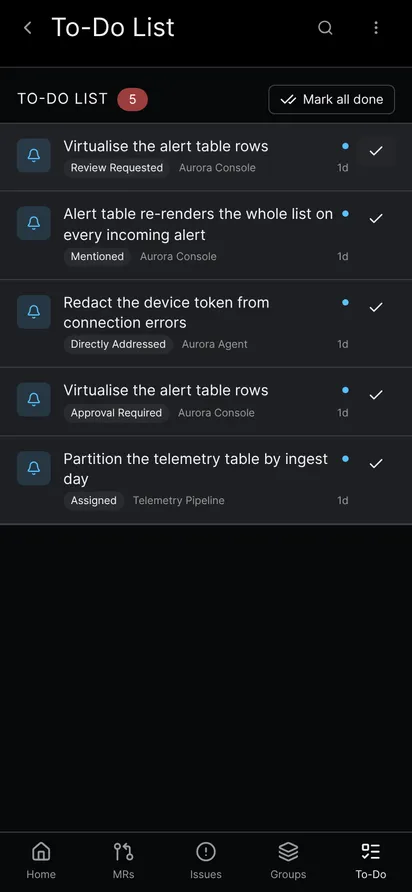
Search no longer drops what you type
A search typed while a list was still loading used to be lost. The issue, merge request, member and pipeline searches now show the results for the words you typed.
What did not change
GitAlchemy still has no iOS or desktop version. Notifications still use polling and no Firebase. The features above are merged but not released, so check the F-Droid page for the version you can install today.
FAQ
When do these changes arrive?
They arrive in the next release of GitAlchemy on F-Droid. No date or version number is announced.
Will GitAlchemy come to iOS?
No. GitAlchemy is an Android app and there will never be an iOS version.
Can I revert or cherry-pick a commit from my phone?
In the next release, yes. Open the commit, choose Revert or Cherry-pick and pick the branch the new commit goes to.
Related Articles
More from GitLab Fundamentals
Take GitLab with you
Gitalchemy is free and open source. Install it on Android from F-Droid.
Questions, or want to follow the work? Reach us at contact@gitalchemy.com or star the project on GitLab.