
Your GitLab To-Do List on Android
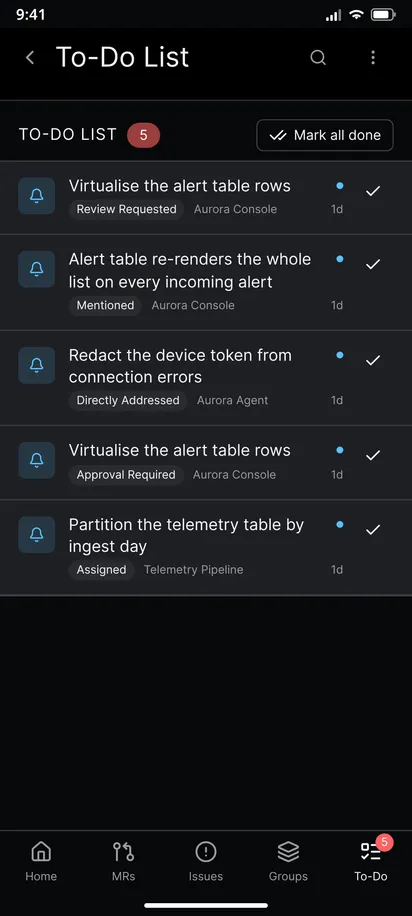
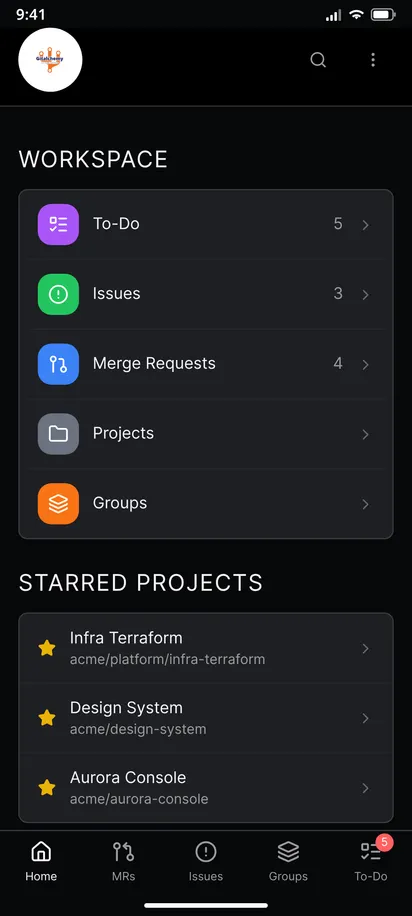
Your GitLab to-do list is the queue of things that wait for you: merge requests where your review is requested, issues assigned to you, comments that mention you. GitAlchemy, a free open source GitLab client for Android, puts that list in a tab of its own. Open the To-Do tab, tap an item to jump to its merge request or issue, and tap the check button to mark it done. A badge on the tab counts what is pending.
Steps
- Open the To-Do tab in the bottom bar. The list opens at once with the to-dos that the badge already loaded, then refreshes quietly.
- Read each row. A row shows the title of the merge request or issue, its project, the kind of action in words such as review requested or assigned, and the date. Items you have not handled are marked as pending.
- Tap a row to open the merge request or issue it is about. Reading an item does not clear it, so you can open it, check something and come back.
- Act on it. Review the merge request, answer the comment or close the issue. See how to review a merge request.
- Mark it done. Tap the check button on the row. The to-do leaves the list on GitLab, so the browser and the app agree.
- Clear the lot. Mark all done empties the list at once. The list does not wait for a reload.
The badge and the work you do
GitLab marks a to-do done by itself when you act on the thing it points to. The app follows. The badge drops as soon as you merge, close, approve, comment on or edit an issue or merge request, without waiting for the next check. If the number looks wrong, leave the tab and open it again.
Get a notification for each to-do
With Notify while the app is closed switched on, each new to-do becomes an Android notification with a Mark done button, on every account you have signed in. The app polls the GitLab Todos API, which means it needs no Firebase and no Google service. The notification itself has a Mark done button, so you can clear a to-do without opening the app. The setup, the battery setting and the timing are in GitLab notifications on Android without Firebase.
A tip: use it as an inbox
Treat the list like an email inbox. Open the app, clear what you can answer in two minutes, mark done what needs no action, and leave the rest pending as a reminder. A short pending list is also what keeps the notifications useful, since each one is a to-do that you have not handled.
Limits
- The list shows your pending to-dos. Done to-dos are not browsable in the app.
- What becomes a to-do is decided by GitLab, not by the app. If you want fewer, change your notification and subscription settings in GitLab.
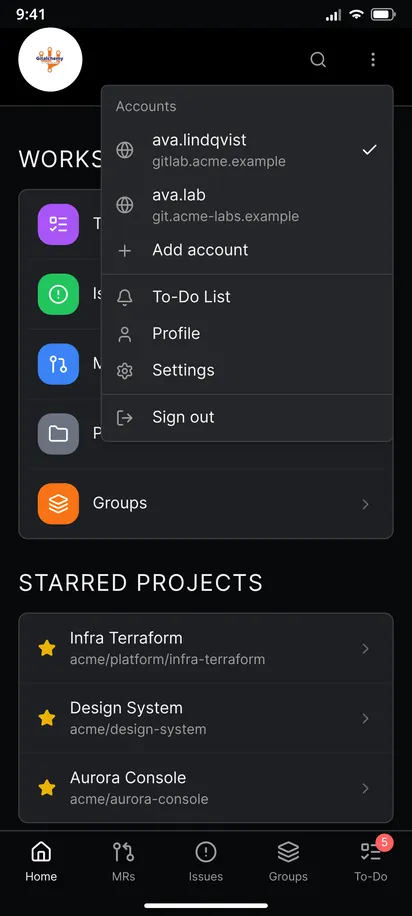
- With several accounts signed in, each account has its own list. Switch account from the header menu to see the other one. See how to use several GitLab accounts.
- Marking to-dos done needs a token with the
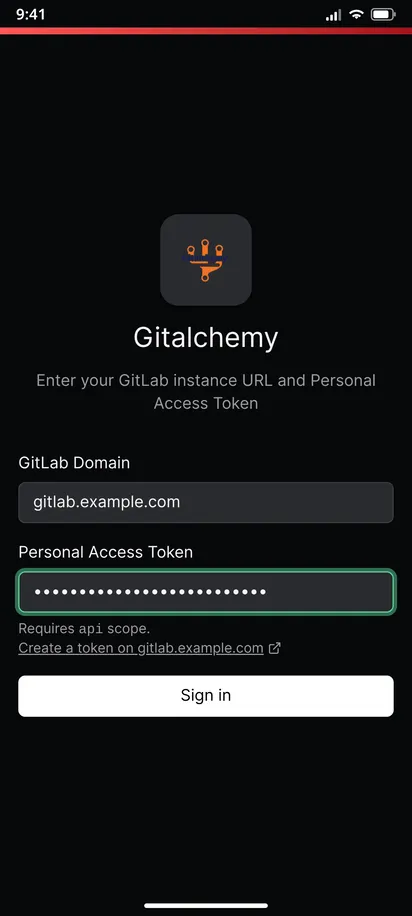
apiscope, andread_apiis not enough. See signing in with a personal access token.
Related
This is one step of the GitAlchemy for Android walkthrough. Items on the list often lead to an issue you edit or create.
FAQ
Is the to-do list the same as GitLab's To-Do List page?
Yes. The app reads the same to-dos that the GitLab web page shows, so marking one done in either place clears it in both.
Do I get to-dos for pipeline failures?
Only if GitLab creates a to-do for it, for example when a pipeline fails on a merge request you authored. The app lists what GitLab sends.
Related Articles
More from GitLab Fundamentals
Take GitLab with you
Gitalchemy is free and open source. Install it on Android from F-Droid.
Questions, or want to follow the work? Reach us at contact@gitalchemy.com or star the project on GitLab.