
Use Several GitLab Accounts on Android
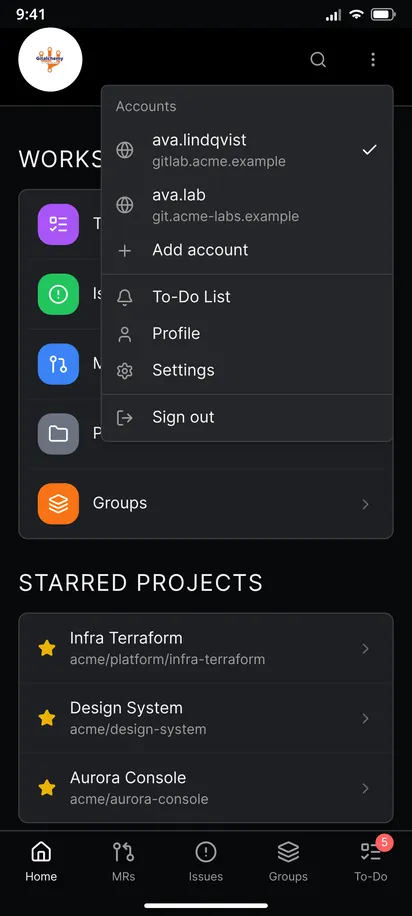
GitAlchemy, a free open source GitLab client for Android, keeps several GitLab accounts signed in at once. Open the three dots menu in the header, choose Add account and sign in with a second token. You can add as many accounts as you like, one per server address, for example gitlab.com and your own server. Switching takes one tap and no sign-out.
Steps
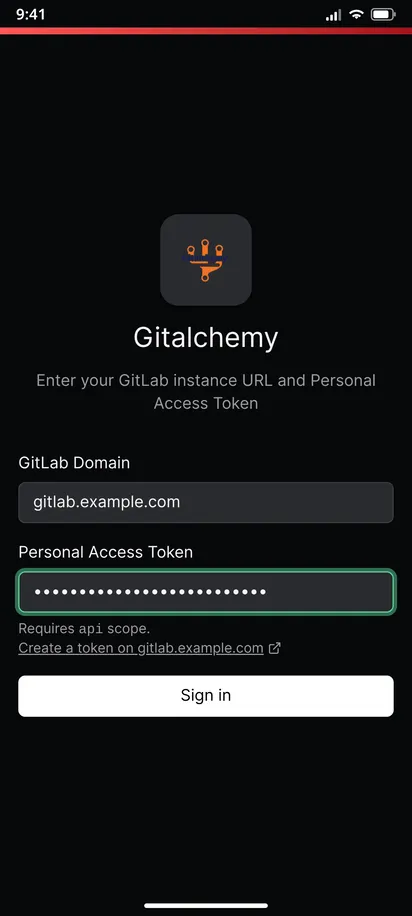
- Sign in once with your first account. See how to sign in with a personal access token.
- Open the three dots menu in the header and find Accounts. It lists every signed-in account with its user name and server, and a check mark on the active one.
- Choose Add account. A dialog titled Add GitLab account asks for the domain and a token, the same two fields as the first sign-in.
- Tap Add account in the dialog. The new account is signed in.
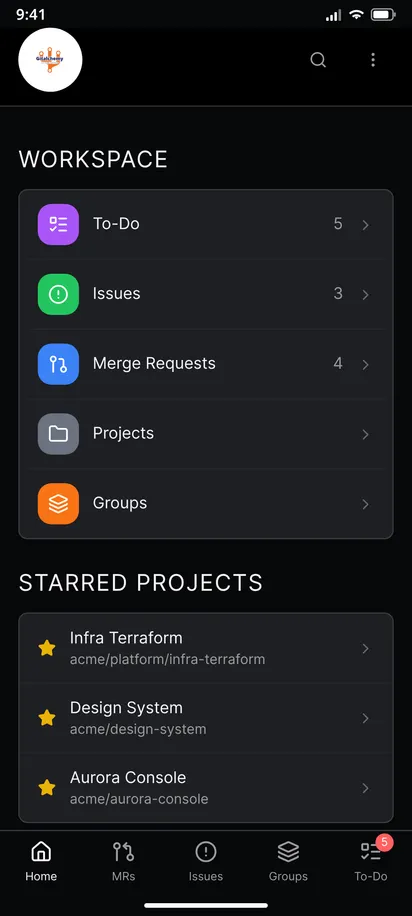
- Switch by tapping an account in the Accounts list. The projects, issues, merge requests and to-dos on screen are those of that account.
- Sign out from the same menu when you no longer need the active account. The first remaining account becomes the active one.
What stays separate
Each account has its own cache. Switching does not show you data from the previous account, and signing out removes the saved copy of that account only. The recently viewed items you can read without signal belong to the account that you viewed them with.
Notifications for every account
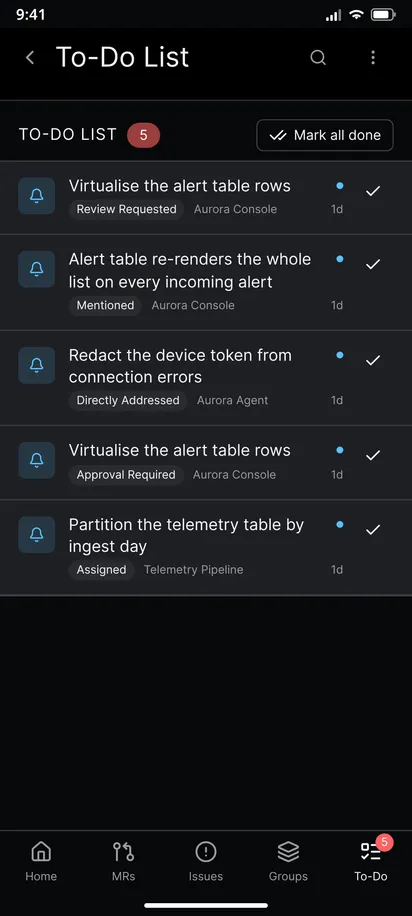
Background to-do notifications cover every signed-in account, not only the active one. Each notification says which account it belongs to when more than one is signed in, and tapping it opens the matching item. The Mark done button works on the right account too. See notifications without Firebase.
A tip: one token per account and per phone
Create a separate token on each server and name it after the phone. If one token expires or is revoked, the menu shows a red alert icon on that account. Sign in again for that server and the other accounts keep working.
A work and personal setup
A common setup is gitlab.com for open source and a self-hosted instance for work. Add both, keep notifications on, and use the to-do list of each account as a separate inbox. The to-do list guide shows how to clear one.
Limits
- An account is identified by its server address. Signing in again on the same address replaces the token, so two users on one server cannot be signed in together.
- There is no combined view across accounts. Projects, issues and to-dos belong to the account you are using, and you switch to see the other.
- Accounts live on the phone only. They are not synced to another device.
Related
This is one step of the GitAlchemy for Android walkthrough. For a company server behind a VPN, read GitLab on a self-hosted instance.
FAQ
How many accounts can I add?
There is no limit. You can add one account for each server address.
Can I use two accounts on the same server?
No. An account is identified by its server address, so signing in again on the same server replaces the token. Use two different servers.
Related Articles
More from GitLab Fundamentals
Take GitLab with you
Gitalchemy is free and open source. Install it on Android from F-Droid.
Questions, or want to follow the work? Reach us at contact@gitalchemy.com or star the project on GitLab.